Explore Classes

Online Video Editing Classes for Kids & Teens

Video editing classes from $14/class. Learn cuts, transitions, effects, sound design and content creation — ages 9 to 17. Small groups of 3-8 with video professionals.

View FAQ
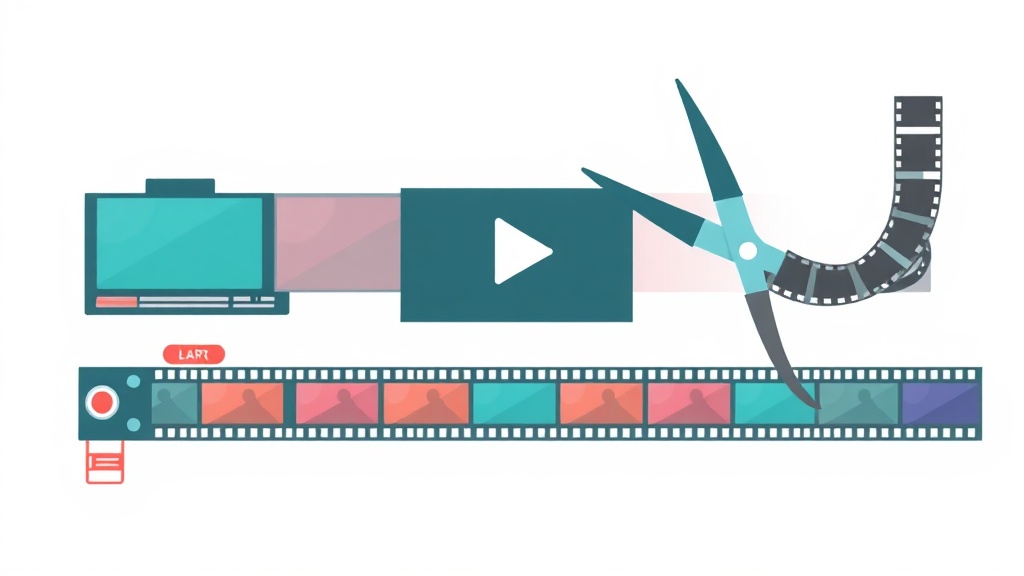
Online Video Editing Classes for Kids & Teens illustration
From $14/class
Price
3-8 students
Group Size
5–17
Ages

Video Editing Classes for Kids: Learn Real Skills From Industry Professionals

Your kid watches YouTube and TikTok every day—why not turn that interest into actual creative ability? Our video editing classes teach kids ages 9-17 how to cut footage, layer effects, sync audio, and tell stories that matter to them. These aren't theoretical lessons. Kids work with the same software professionals use, building a portfolio they'll genuinely be proud to share. Starting at just $14 per class, this is affordable skill-building that sticks.

What makes the difference is class size. With only 3-8 students and real video professionals teaching, your child gets actual feedback on their work—not generic comments. They learn why certain cuts feel satisfying, how to match audio to visuals, and how to problem-solve when something isn't working. That personalized attention builds confidence fast. Kids stop being passive viewers and become creators who understand the craft.

Whether your child wants to make gaming videos, short films, or just express themselves creatively, video editing is a skill that opens doors. It's relevant now and stays relevant. Enroll in a class this week and watch them create something they've only imagined before.
Why Choose Our Video Editing Classes

Expert Video Editing Teachers

Every instructor is vetted for subject expertise and experience teaching kids. Background checked and trained in online education best practices.

Small Groups, Big Results

Just 3-8 students per class. Your child gets real attention, feedback, and the chance to ask questions every session.

From $14/Class

Quality video editing instruction at an accessible price. No registration fees, no contracts. Book one class or a full semester.

Popular Video Editing Classes

Beginner

Video Editing Basics with CapCut

9-13 14 4.8
Popular

YouTube Content Creator Course

11-16 16 4.9
Advanced

Advanced Editing with DaVinci Resolve

13-17 18 4.7

How Our Video Editing Classes Work

1

Join a Live Session

Log in from anywhere. Meet your teacher and classmates on Zoom.

2

Learn by Doing

Hands-on projects every class. Create something real, not just watch.

3

Get Feedback

Personal feedback from your teacher. Ask questions, get unstuck.

4

Build Your Portfolio

Save your projects. Track progress. Share your work with friends and family.

Video Editing FAQ

What video editing software will my child use?
We use free, professional-grade tools: CapCut for beginners, DaVinci Resolve for intermediate and advanced students. Both are free and used by professional editors worldwide.
Does my child need an expensive computer for video editing?
A computer with at least 8GB RAM and a modern processor handles our beginner projects well. For advanced work, 16GB RAM is recommended. Both Mac and PC work. We can help assess your setup.
Will my child learn to make YouTube videos?
Yes. Our YouTube Content Creator course covers planning, filming tips, editing, thumbnails, titles, and responsible content creation. Students complete the course with a polished video ready to upload.
Are video editing skills useful beyond YouTube?
Video editing is valuable for school projects, college applications, social media, journalism, marketing, and film. It's one of the most in-demand digital skills across virtually every industry.

What Parents Say About Video Editing

"My daughter went from watching YouTube all day to actually CREATING animations. Best investment ever."
Sarah M.
Parent of 12-year-old
"Finally, classes that don't feel like school. My kids actually BEG to log in."
Jennifer L.
Parent of 8 and 11-year-olds
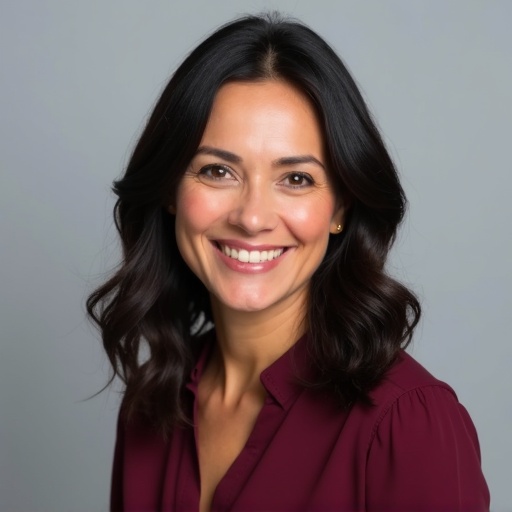
Maria Santos

Maria Santos

Head of Creative Arts
Maria leads our art, animation and design programs with 11 years in creative education. She previously worked as an animator at a major studio and taught digital arts at Pratt Institute. She's passionate about helping kids find their creative voice through art and technology.
View full profile →

Find the Perfect Video Editing Class

Browse video editing classes by age group and book your first session.

Explore Classes